

Router vs Modem: Understanding Their Differences and Functions in 2026
Introduction to Networking Devices
Networking devices play a pivotal role in facilitating communication between various electronic devices, enabling them to connect to the internet and each other efficiently. These devices include a wide array of hardware essential for establishing and maintaining network connections. Among these, two of the most critical devices are router vs modem.
A modem, short for modulator-demodulator, is tasked with converting signals from the internet service provider (ISP) into a usable format for the connected devices in your network. This conversion is vital as it allows for the transmission of data over various media, whether through cable, DSL, or fiber optics, ensuring that you have access to the internet. Essentially, the modem serves as the bridge between your home network and the wider internet.
On the other hand, a router is specifically designed to manage network traffic within the local network. It connects multiple devices—such as computers, smartphones, and tablets—to the internet while also allowing these devices to communicate with one another. The router assigns unique IP addresses to each device, ensuring that data packets are sent to the correct destination within the network. Furthermore, modern routers often provide additional features such as firewalls and wireless capabilities, enhancing the overall functionality and security of the network.
Understanding the distinct roles of router vs modem helps clarify the importance of these devices in modern networking. Together, they form the backbone of home and office networks, facilitating seamless communication and internet access. Recognizing their functions can empower users to optimize their home networks for better performance and reliability.
What is a Modem?
A modem, short for modulator-demodulator, is a crucial device that enables communication between digital data from a computer and the analog signal used by telephone lines or cable systems. Its primary role is to modulate and demodulate signals. When data from your home network is sent out to the internet, the modem takes the digital signals and converts them into analog for transmission. Conversely, it receives analog signals from your Internet Service Provider (ISP) and converts them back into digital data that your devices can understand.
Modems come in several types, chiefly classified based on the technology they utilize to connect to the internet. The most common types are cable, DSL, and fiber modems. Cable modems connect to the internet via coaxial cables and are widely used in cable television infrastructure. DSL (Digital Subscriber Line) modems, on the other hand, utilize the existing telephone lines to provide internet connectivity, making them a popular choice in areas where cable is not available.
Fiber modems operate on fiber-optic technology, delivering ultra-fast internet through fiber-optic cables. This type of modem is typically used in areas with advanced telecom infrastructure and offers significantly higher speeds and bandwidth compared to its cable and DSL counterparts. Regardless of the type, all modems serve the essential purpose of establishing a connection between the user’s network and the larger internet, facilitating communication through efficient signal conversion. As such, understanding how modems work and their various types is foundational for anyone looking to set up a reliable internet connection at home.
What is a Router?
A router is a vital network device that facilitates the connection between multiple devices and the internet. Its primary function is to manage traffic among various connected devices within a network, enabling them to communicate with each other while simultaneously allowing access to the internet. By routing data packets between these devices, a router ensures that information reaches its intended destination efficiently.
There are several types of routers available in the market, each designed with specific functionalities to cater to diverse networking needs. One common type is the wired router vs modem, which connects to devices using Ethernet cables. This type often delivers high-speed internet access with minimal latency, making it ideal for stationary devices that require stable connections, such as desktop computers and gaming consoles.
Another prevalent type is the wireless router, which uses Wi-Fi technology to enable devices to connect without the need for cables. This type provides flexibility, allowing users to access the network from various locations within range. Wireless routers have become essential in homes and offices due to their convenience and ease of deployment.
Further expanding the possibilities are dual-band routers, which operate on two frequency bands: 2.4 GHz and 5 GHz. This dual-band capability allows users to select the most suitable band based on their specific needs, such as streaming high-definition videos or online gaming, enhancing the overall user experience.
Finally, mesh router vs modem are designed to cover larger areas by incorporating multiple units that work together to provide seamless internet access. This architecture resolves connectivity issues in larger homes, where traditional routers might struggle to maintain reliable connections in all corners.
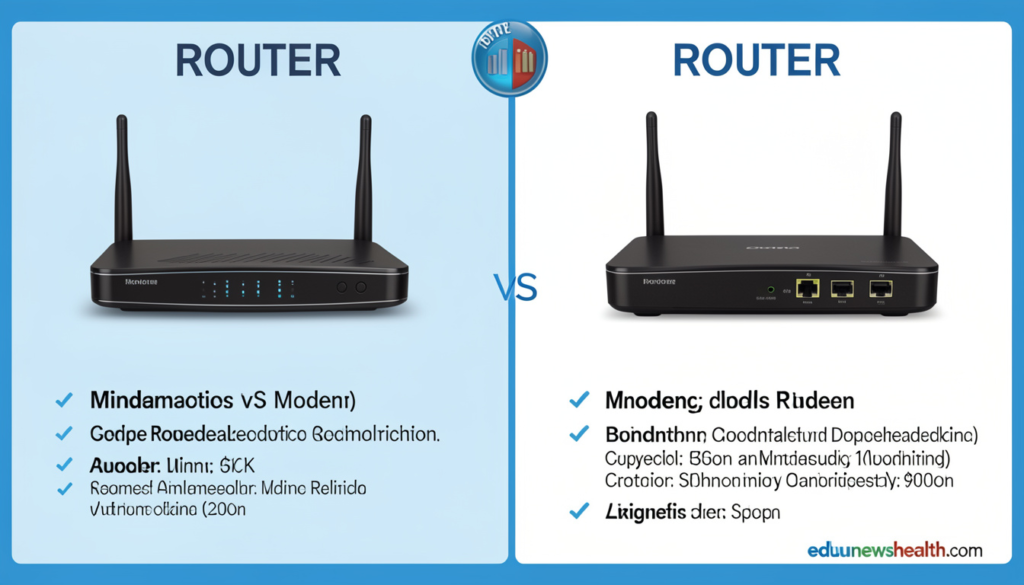
Key Differences Between router vs modem
Understanding the distinctions between a router vs modem is crucial for optimizing home network performance. A modem serves as the gateway to the internet, converting digital data from your internet service provider (ISP) into a format that your devices can understand. It typically connects directly to the ISP’s line, whether it be via cable, DSL, or fiber optics. Without a modem, a home network would lack any direct access to the internet, making it an essential component.
On the other hand, a router plays a different yet complementary role. Its primary function is to create a local area network (LAN) within your home or office, allowing multiple devices to communicate with each other and access the internet simultaneously. The router receives the internet connection from the modem and shares it among various devices, such as computers, smartphones, tablets, and smart appliances, either through wired connections or wireless signals.
Additionally, router vs modem include features that enhance security and manage internet traffic within the LAN. They often come equipped with firewalls, which help to protect connected devices from external threats, as well as Quality of Service (QoS) settings that prioritize bandwidth allocation for specific devices or applications. While both devices are vital for any functional home network, they distinctly serve different purposes and functions.
In summary, while a modem connects your home to the internet, a router allows multiple devices to share that connection, enhancing connectivity and network management. Understanding these fundamental differences between a router vs modem can assist you in selecting the right equipment for your network needs.
Do You Need Both a Modem and a Router?
In modern networking, understanding the roles of a router vs modem is crucial for establishing a reliable internet connection. To determine whether you need both devices, it is essential to recognize their individual responsibilities. A modem serves as a bridge between your Internet Service Provider (ISP) and your home network. It converts the signal received from the ISP into a format your devices can use. Conversely, a router is responsible for distributing this internet connection to multiple devices, ensuring they can communicate with each other and access the internet seamlessly.
In homes that require multiple devices to connect to the internet simultaneously, a router is typically necessary. A router not only facilitates connections for various devices, such as laptops, smartphones, and smart home gadgets, but also provides features like firewall protection and Wi-Fi capability. Without a router, you would be limited to connecting a single device directly to the modem, which might not suffice for households with higher connectivity needs.
However, there are scenarios where either device may stand alone. For instance, if you have a dedicated connection to a single device, a modem may be adequate on its own. This setup is often seen in business environments where a single computer requires direct access to the internet without the need for network distribution. On the other hand, many modern devices integrate both functionalities, offering a two-in-one modem-router solution. These all-in-one devices may be suitable for smaller living spaces where simplicity and space-saving are priorities.
Ultimately, the choice of whether to utilize both a modem and a router or to opt for a combined device depends on specific networking needs. Evaluating your internet usage patterns will guide you in making an informed decision regarding your home networking equipment.
How to Choose the Right Modem and Router
Selecting the appropriate router vs modem is crucial for optimizing your internet experience. The first consideration should be your specific internet service plan. Different service providers offer varying speeds, so it is essential to choose devices that can support your plan’s maximum potential speed. A modem that cannot handle your internet’s speed limitations will hinder your overall performance, while a router with inadequate range can prevent you from enjoying high-speed connectivity throughout your space.
Understanding the type of internet connection is equally important. For instance, if you are using a DSL, cable, or fiber-optic service, each type has compatible modems that can effectively handle the distinct requirements. Ensure that the modem you select is specifically designed for your internet type. Additionally, consider the features your router should have based on your personal usage needs. For example, if you frequently engage in online gaming or stream high-definition content, opting for a dual-band or tri-band router can significantly enhance performance by minimizing latency and buffering.
Another aspect to evaluate is the number of devices that will be connected to your network. If you have multiple devices that require internet access, it is advisable to choose a router vs modem that supports a higher number of concurrent connections without sacrificing speed. Moreover, considering security features such as built-in firewalls and the latest Wi-Fi encryption standards can provide a safer networking environment, particularly in today’s digital age where cyber threats are prevalent.
Lastly, budget considerations play a vital role. While it is possible to find affordable options that meet most needs, investing in higher-end models can sometimes prove beneficial in the long run due to enhanced durability and better performance. With these factors in mind, you will be well-equipped to choose a modem and router that best meet your requirements and provide a robust internet experience.
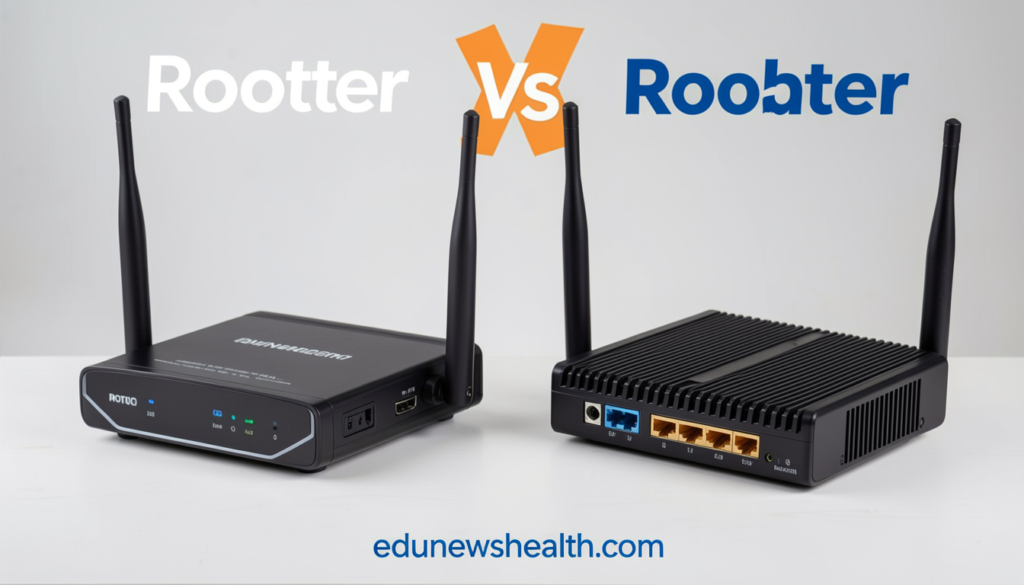
Setting Up Your router vs modem
Setting up your modem and router is a crucial step in establishing a stable internet connection. To begin, ensure that you have all the necessary equipment, including your modem, router, power cables, and an Ethernet cable. Most modern internet connections require a combination of both devices to function effectively.
The first step is to connect your modem. Locate the coaxial cable, DSL line, or fiber optic cable provided by your Internet Service Provider (ISP) and plug it into the appropriate port on your modem. Next, connect the modem to a power source and turn it on. The modem typically has LED indicators that will signify when it is operational and connected to the ISP.
Once your modem is set up, it’s time to configure your router. Take the Ethernet cable and connect one end to the LAN port on the modem and the other end to the WAN or Internet port on your router. Power on your router and wait for the lights to indicate that it is operational. Depending on your router vs modem model, you may need to access the router’s configuration page by typing its IP address into a web browser. This information can usually be found in the documentation that comes with the router.
After accessing the configuration page, follow the on-screen prompts to set up your local network. This includes choosing a network name (SSID) and a strong password to secure your Wi-Fi connection. Ensure that you enable the WPA3 or WPA2 security protocols to protect your network from unauthorized access. Most router vs modem also offer options for guest networks, which can be useful for providing internet access to visitors without compromising your main network.
After completing the configuration, it is advisable to test the connection by connecting a device to the network, either through Wi-Fi or with an Ethernet cable. Make sure to troubleshoot any issues that may arise during this process for a seamless internet experience.
Common Issues and Troubleshooting
In the realm of internet connectivity, both modems and routers can encounter a variety of problems that can disrupt service for users. Understanding these common issues can assist individuals in effectively troubleshooting their devices and restoring connectivity.
One frequent issue involves the modem failing to establish a connection with the internet service provider. This can be indicated by a blinking or red light on the modem’s status panel. In such cases, users should first check the connections, ensuring that the coaxial or DSL cables are secured firmly. Restarting the modem by unplugging it for a few seconds and then plugging it back in can also help establish a new connection. If problems persist, contacting the internet service provider may be necessary to confirm if there are outages in the area or issues with the account.
Routers, on the other hand, often face challenges related to wireless connectivity. Users may experience intermittent signal loss or weak signals in certain areas of their home. To troubleshoot these issues, it is advisable to relocate the router to a more central location, away from thick walls or electronic devices that may cause interference. Additionally, changing the wireless channel through the router’s settings can improve connectivity, particularly in crowded networks. Implementing a firmware update to the router can also fix bugs and enhance performance.
Lastly, users must be vigilant against security threats that may affect their router vs modem. Slow internet speeds or unauthorized users on the network can indicate a potential security breach. Regularly updating passwords and enabling network encryption are essential practices to protect the network. By being aware of these common issues and their respective troubleshooting techniques, users can maintain better connectivity and enhance their overall internet experience.
Conclusion
In conclusion, comprehending the differences between routers and modems is crucial for anyone seeking to optimize their internet connectivity. A modem serves as the gateway to the internet, translating signals from your Internet Service Provider (ISP) into a form that your devices can use. It establishes the broadband connection and provides access to the online world. Without a modem, your home network would be entirely disconnected from the internet, rendering all your devices incapable of accessing online content.
On the other hand, a router vs modem acts as the central hub for your local network, distributing the internet connection obtained through the modem to multiple devices, either wirelessly or via Ethernet cables. It enables secure communication between devices, provides network management features, and often includes built-in security measures that protect against unauthorized access. Understanding the functions of these two devices is essential for establishing a robust network environment.
Moreover, recognizing the distinctions between router vs modem assists users in troubleshooting connectivity issues and making informed decisions about network equipment. For optimal internet performance, it is advisable to select devices that align with your specific needs, whether that means a standalone modem, a modem/router combo, or individual units. Therefore, a solid grasp of how routers and modems work together is paramount in achieving a reliable and efficient home internet setup.
Read More: edunewshealth.com